How to Create a 3D Product Video With AI in 2026
Author: Glancy3D Team | Date: May 21, 2026 | Reading Time: 6 min read
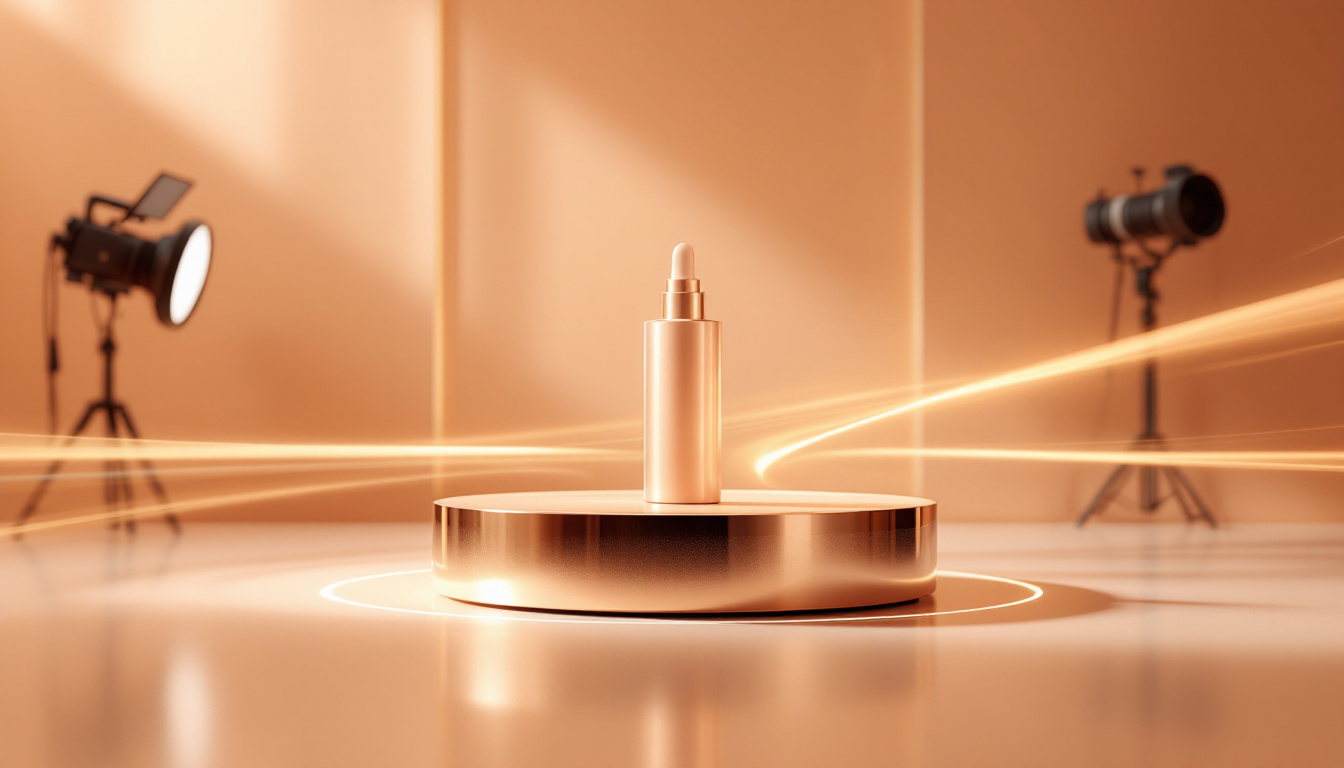
TL;DR: A 3D product video shows your packaging rotating, opening, or animating in photorealistic detail — and in 2026 you no longer need a 3D artist or a render farm to make one. With an AI tool like Glancy3D, you upload your label or pick a container, describe the motion in plain language, and export a cinematic clip in minutes. This guide walks through the why, the how, and the settings that make the difference between a video that converts and one that gets scrolled past.
A 3D product video is a short, animated clip that shows a product as a fully three-dimensional object — rotating on its axis, catching studio light, revealing a label wrap, or opening to show what is inside. For consumer brands, it has quietly become the highest-performing creative format on product pages, paid social, and marketplace listings. The problem, until recently, was cost: a single studio-rendered product animation could take days of 3D modelling and hundreds of dollars in render time. AI changed that.
What exactly is an AI 3D product video?
Traditional 3D video is built by hand: a modeller sculpts geometry, an artist assigns materials and lighting, an animator keyframes the camera, and a workstation renders every frame. An AI 3D product video collapses those steps. You start from a real 3D packaging shape, apply your design to it, and then describe the shot you want — "slow 360 spin on a soft gradient background," for example. The AI handles camera motion, lighting, and frame rendering, then exports a finished MP4. The output is genuine 3D — accurate geometry, real reflections, correct perspective — not a flat image with a filter on top.
Why 3D product videos convert better
Shoppers cannot pick your product up online, so motion is the closest substitute for handling it in store. Industry research has consistently found that product pages with video see materially higher conversion than pages with static images alone, and that a large majority of shoppers say a video has directly convinced them to buy. Motion also holds attention longer in a social feed, which lowers cost-per-click on paid campaigns. For packaging specifically, a rotating shot communicates finish, shape, and scale — the exact details a flat photo flattens out.
Step by step: creating a 3D product video with AI
1. Choose your packaging shape. Start from a 3D container that matches your product — a bottle, jar, carton, pouch, or tube. In Glancy3D you pick from a library of ready-made 3D packaging, so the geometry is correct from the first click.
2. Apply your label or design. Upload existing artwork or generate a label with AI, then wrap it onto the 3D shape. You see the design on real geometry immediately, so you catch wrap, scale, and seam issues before they ship.
3. Describe the shot. Tell the AI what motion you want in plain language — a 360 rotation, a slow push-in, a lid lift, or a hero beauty pass on a gradient backdrop. This is where you direct the video without touching a single keyframe.
4. Set the look. Pick lighting and background, and choose an aspect ratio for where the clip will live — 9:16 for Reels and TikTok, 1:1 for feed, 16:9 for a product page or YouTube. Rendering for the right ratio up front saves an awkward crop later.
5. Generate and export. The AI renders the animation and gives you a finished MP4 in minutes. Export, drop it on your product page or ad set, and measure the lift.
AI vs a traditional 3D studio, side by side
The gap is not subtle. Here is how a typical single product animation compares across the two approaches:
| Factor | Traditional 3D studio | AI (Glancy3D) |
|---|---|---|
| Turnaround | 3–10 days | Minutes |
| Cost per clip | Hundreds to thousands | A fraction, on a flat subscription |
| Skills needed | 3D modelling, lighting, animation | None — describe it in words |
| Revisions | New render cycle each time | Re-prompt and regenerate |
Tips for higher-converting product videos
Lead with the hero angle. Put your most recognisable view in the first second — feeds autoplay muted, and the opening frame decides whether anyone keeps watching.
Keep it short. Five to eight seconds of clean motion outperforms a long sequence for most product pages and ads. Loop it.
Match the platform. Render vertical for stories and Reels, square for feed, widescreen for your site. A clip cropped after the fact almost always loses the product.
Stay on-brand. Use backgrounds and lighting that match your packaging's real-world finish, so the video sets accurate expectations and reduces returns.
Start creating
A 3D product video used to be a line item you budgeted weeks ahead. In 2026 it is a task you finish before lunch. If you want to turn your packaging into a cinematic, scroll-stopping clip without a 3D artist, try Glancy3D for free and export your first AI 3D product video today.